Quick start with Blink
This guide assumes familiarity with:
Create a new project
blink projects:add my-projectCreate a new service
blink services:add You will be prompted to enter a service name:
Enter service name: Once you enter the service name, you will be prompted to select a type of service.
For this example, select deployment:
Select service type:
> deployment
  storage
You will be prompted to select a docker image name:
Enter image name: nmatsui/hello-world-apiYou will be prompted to pass arguments to the docker image. For this example, leave it empty.
Enter command with arguments (Leave empty for default): You will be prompted with an option to start service.
For this example, select yes:
Start the service immediately?
> Yes
  No
Since we don’t have such image locally we attempt to pull from docker hub.
By default we create a port mapping for the service for port 5000.
This docker image exposes port 3000, so we need to update the port mapping.
> Checking image "nmatsui/hello-world-api"
latest: Pulling from nmatsui/hello-world-api
0c40a6f73ece: Pull complete
Digest: sha256:09f8a1eae446be949be701bbc16e4ff81e3810d4902924023b989099ad21c61b
Status: Downloaded newer image for nmatsui/hello-world-api:latest
> Adding service "hello-world-api"
> Adding domains for service "hello-world-api"
hello-world-api-9094347d-167-172-176-166.traefik.me
> Adding port mappings for service "hello-world-api"
0.0.0.0:443/http -> 5000
> Creating container (172.29.0.8)
> Updating Traefik static config
> Updating Traefik dynamic config
> Starting container "542634bf8970db2dfa40abdd888eef4fd4d83751275c5d0a4e2250e88cad7b27"
Setup ports
You can setup port mapping by running the following command:
blink ports:add hello-world-api 443:3000Check the status of the service
blink services:logs hello-world-apiOpen the service in the browser
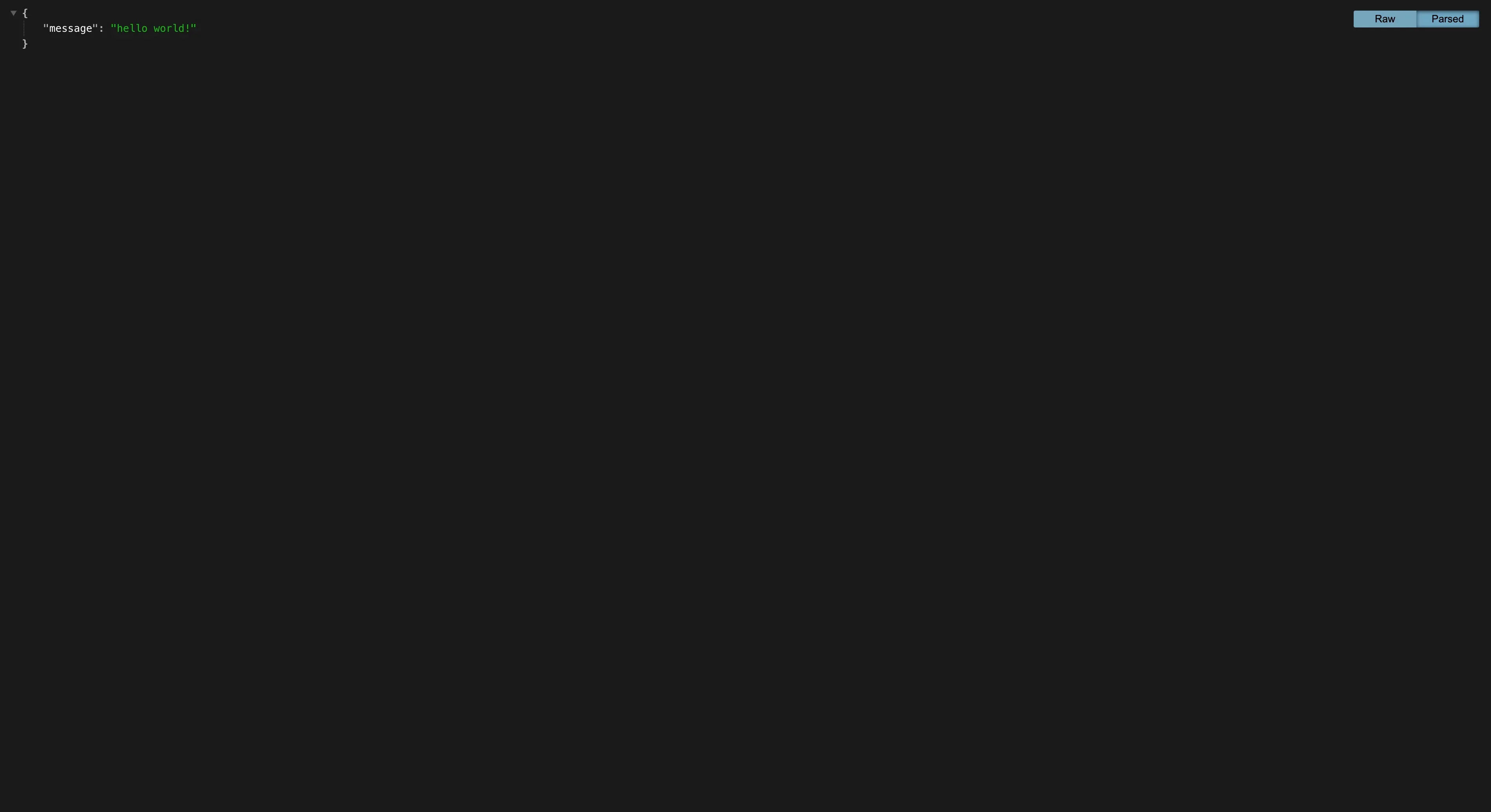
Go to generated domain name in the browser
https://hello-world-api-9094347d-167-172-176-166.traefik.me